Press Kit
Everything you need to write about ScreenClipr: a short description, the facts, brand assets and screenshots. Everything here is also true on the rest of this site; if you spot a mismatch, tell us.
Boilerplate
Short (about 40 words)
ScreenClipr is a native macOS app for capturing, annotating and finding screenshots and screen recordings. It costs $9.99 once, with a 7-day free trial and no subscription. Captures, annotations and the search index stay on the user’s Mac.
Long (about 120 words)
ScreenClipr is a native screenshot and screen-recording app for macOS. A global shortcut opens a small picker for an image or a video; images can be a region, a window, the full screen, or a scrolling capture of a long page. Captures open in a built-in editor with arrows, shapes, callouts, blur and pixelate, and numbered steps. Every capture lands in a library that is OCR-indexed, so it can be found by the text inside it.
ScreenClipr is $9.99 as a one-time purchase, with a 7-day full-access trial, one year of updates included, and an optional renewal for further updates; the app keeps working if you never renew. There is no account, and captures are processed and stored locally rather than uploaded.
Key facts
- Product
- ScreenClipr, a screenshot and screen-recording app
- Latest version
- 1.2.106 (September 22, 2026), per the changelog
- Platform
- macOS 14 (Sonoma) or later; Apple silicon and Intel
- Price
- $9.99 one-time
- Trial
- 7 days, full access, no credit card to start
- Updates
- 1 year included; renewal is optional and only unlocks further updates. The app keeps working forever.
- Refunds
- 14 days, see the terms
- Licenses
- Each key activates on up to 3 Macs
- Privacy
- No account, no analytics or tracking SDK in the app; captures and the search index never leave the Mac. See the privacy policy.
- Distribution
- Direct download from screenclipr.com; signed and notarized. Not on the Mac App Store.
- Built with
- Swift and AppKit (no Electron), using Apple’s ScreenCaptureKit for capture
- Website
- screenclipr.com
Features
- One-shortcut capture. A global shortcut (Control Shift C by default) opens an Image or Video picker from anywhere.
- Region, window, full screen and scrolling capture for still images.
- Built-in editor. Arrows, shapes, freehand, text callouts, blur or pixelate for sensitive information, numbered steps, and Quick Styles that remember your colors.
- Combine captures into a single layout.
- Searchable library. Captures are OCR-indexed on the Mac, so search finds the text inside an image. Filter by tag, source app or favorite.
- Screen recording with an always-on-top HUD (timer, Pause, Discard, Stop) and a lossless trim on a filmstrip timeline.
- Local by design. No account and no background sync; captures are written to
~/Pictures/ScreenCliprby default.
More detail: the guides and the features section.
Compared with similar tools
Prices and license terms were checked against each vendor’s site in September 2026 and are shown in full on the comparison table and in this write-up; there is also a head-to-head page for each: Snagit, CleanShot X and Xnapper. Verify current prices before publishing; vendors change them.
| Tool | Price | Where it differs from ScreenClipr |
|---|---|---|
| TechSmith Snagit | $39/yr | Subscription; by TechSmith’s support docs the app stops working if not renewed. Also runs on Windows, which ScreenClipr does not. Records and has a searchable library. |
| CleanShot X | $35 one-time | Same optional-renewal model. Records. Library search is on its cloud tier only. Has a 30-day money-back guarantee instead of a trial. |
| Xnapper | $29.99 one-time | Same optional-renewal model. Screenshot-only (no recording, no library search); a lighter, more focused tool if that is all you need. Free tier is watermarked. |
Where ScreenClipr is not the right pick: you need Windows, you want a 30-day money-back window over a 7-day trial, or you only ever need quick styled screenshots with no recording or history search. It is also a young product; there is no back catalog of reviews to point to.
Downloads
Right-click or use the download links. Files are the same ones the site uses.
-
 logo.svg Download
 -
 apple-touch-icon.png Download
 -
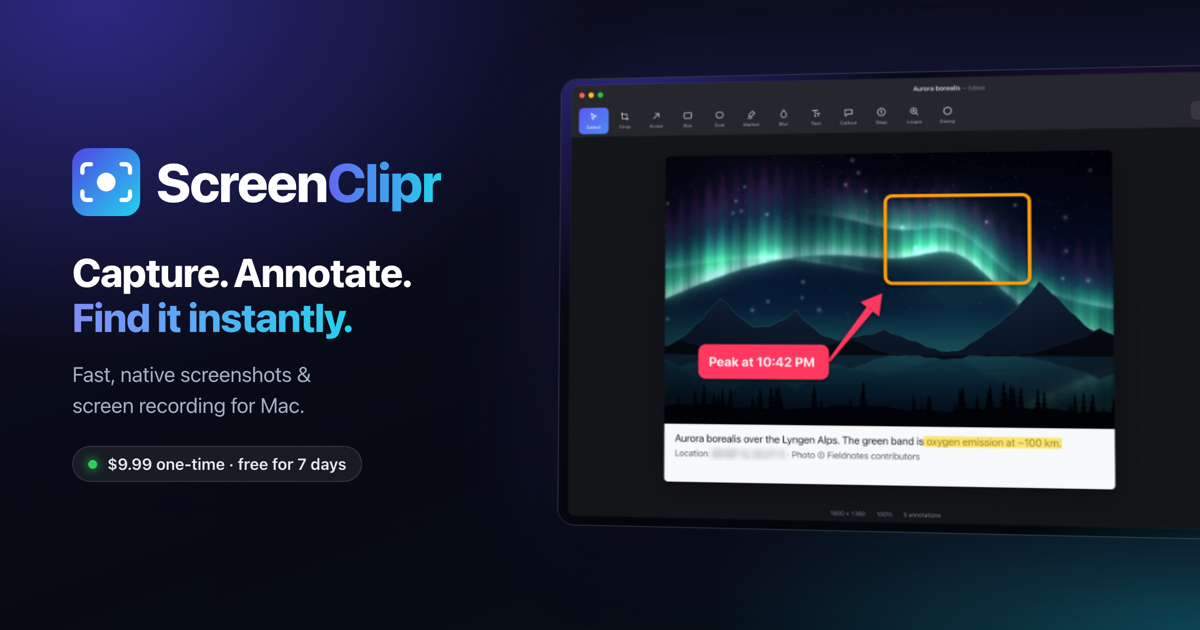 og-image.png Download
 -
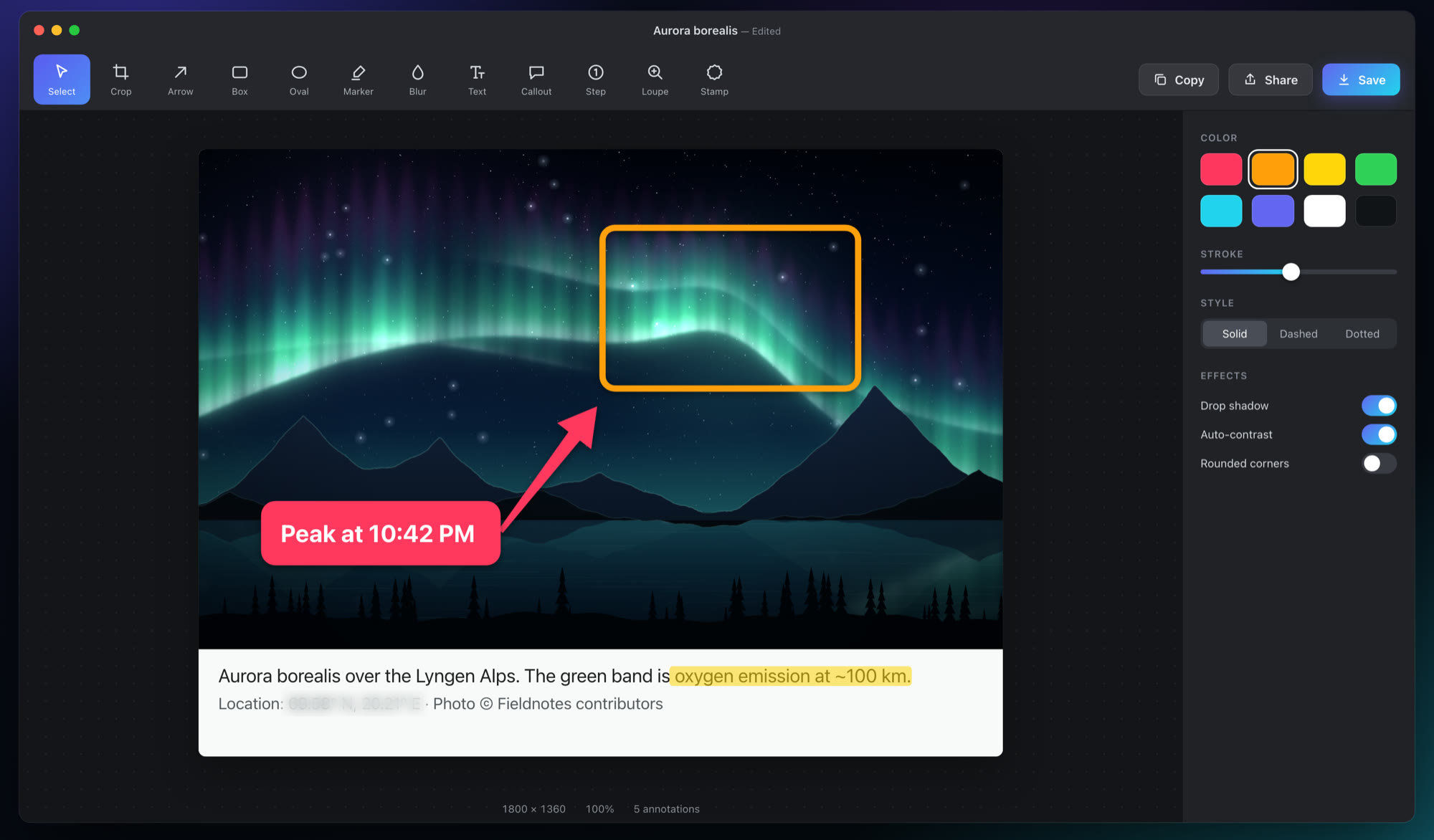 showcase-editor.jpg Download
 -
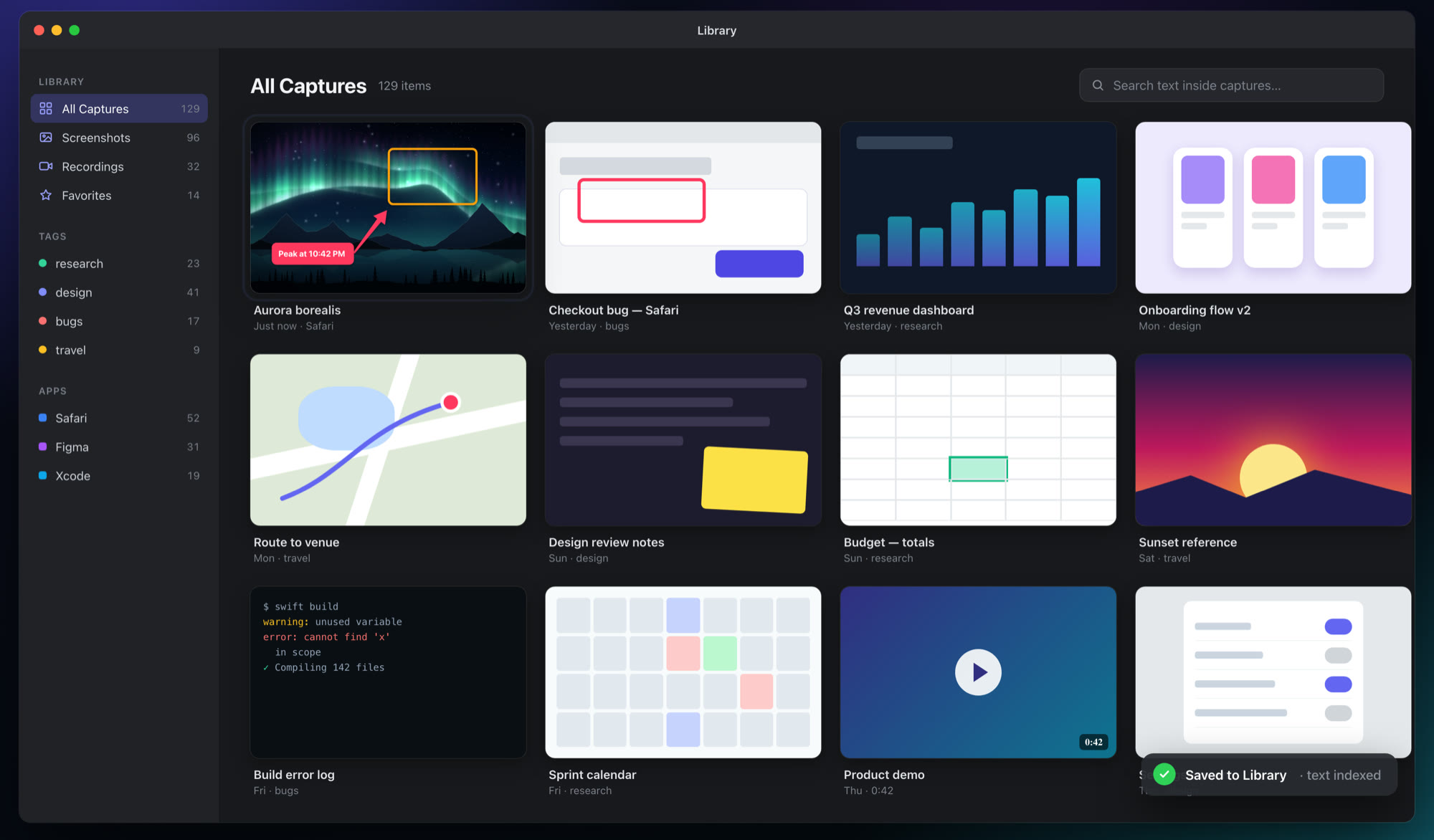 showcase-library.jpg Download
 -
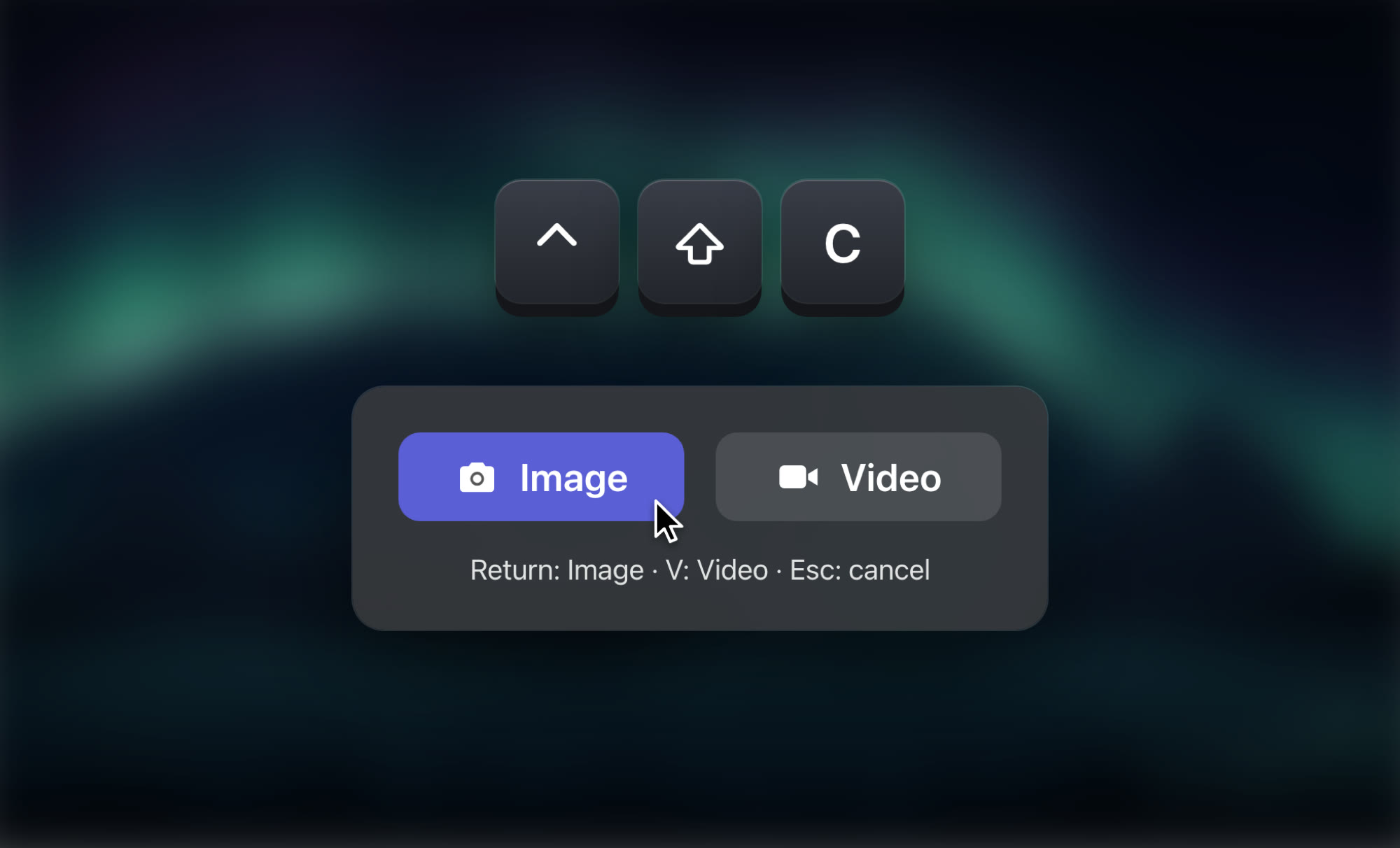 showcase-chooser.jpg Download
 -
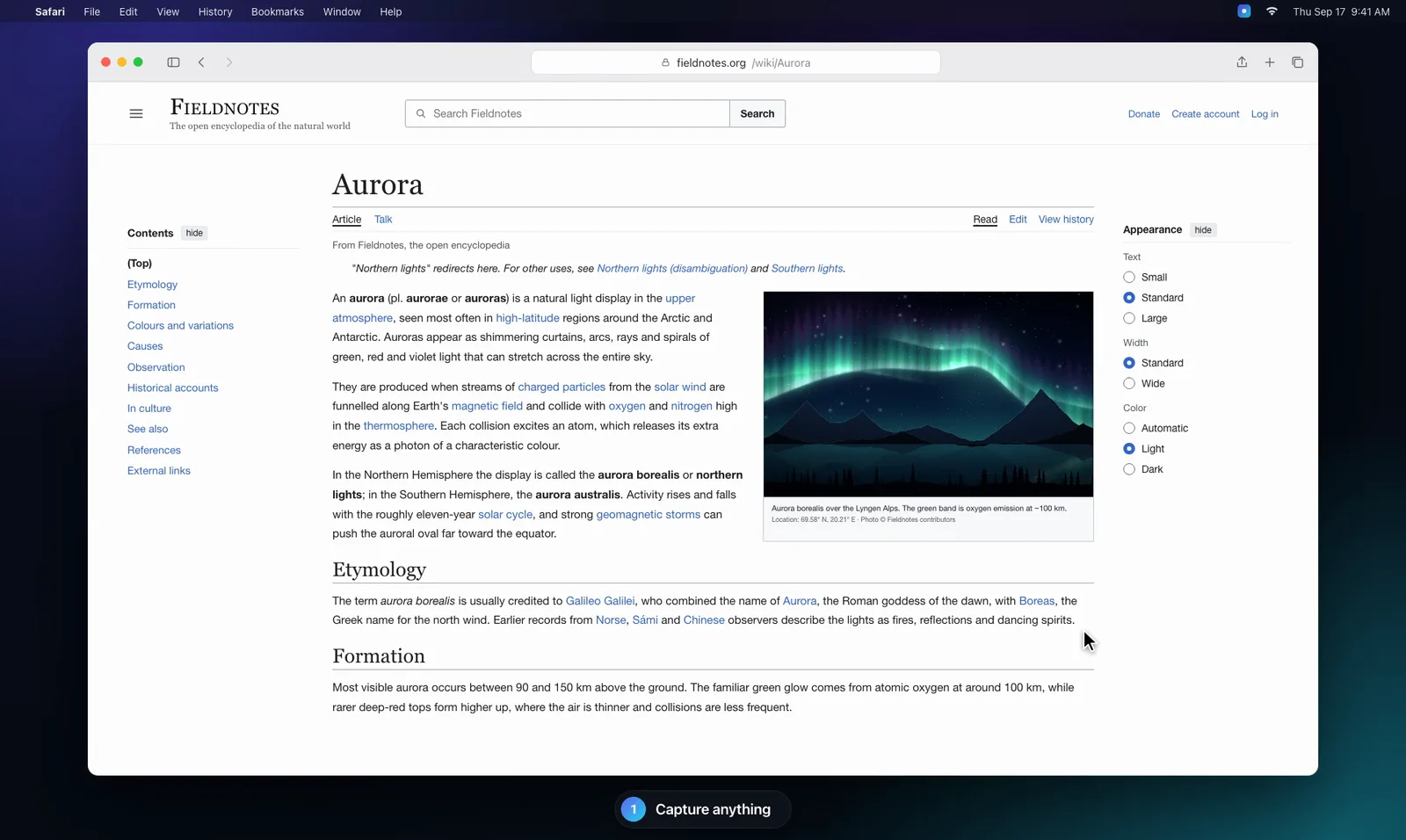 hero-demo-poster.webp Download
 -
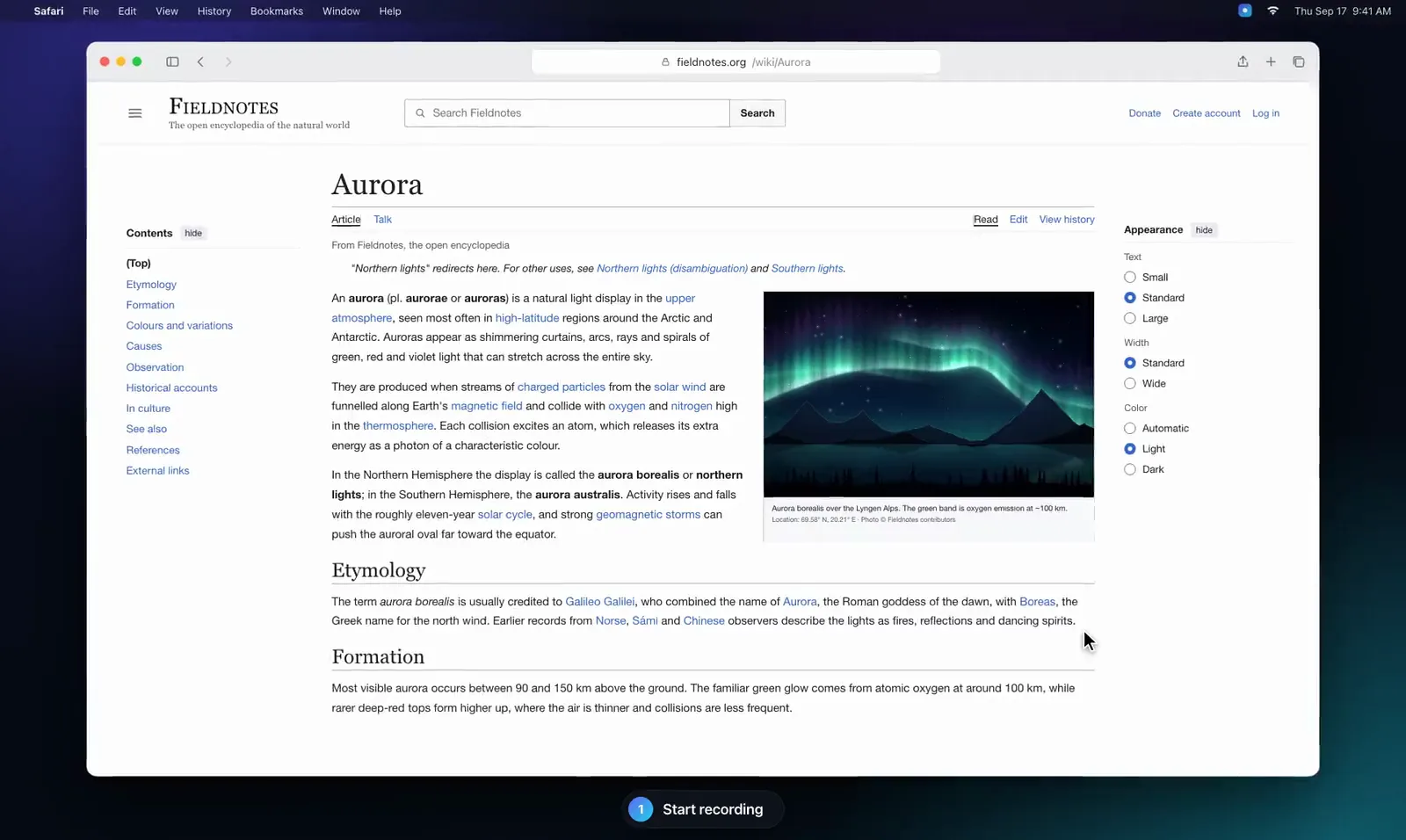 recording-demo-poster.webp Download
 -
hero-demo.mp4 Download
-
recording-demo.mp4 Download
Brand colors
The site’s accent colors. The app icon uses a slightly deeper indigo at the start of its gradient (#4F46E5 to #22D3EE).
#6366F1 · RGB 99, 102, 241#22D3EE · RGB 34, 211, 238#0A0C12 · RGB 10, 12, 18The wordmark is “ScreenClipr” (one word, capital S and C), typeset as Screen in white with Clipr in cyan on dark backgrounds.
Contact
For press questions, review copies, or anything not covered above, email support@screenclipr.com or use the contact form. Those are the only contact channels we publish.
Try ScreenClipr free for 7 days
Full access, no credit card tricks. A single $9.99 payment after your trial — no subscription.
Start Free Trial